
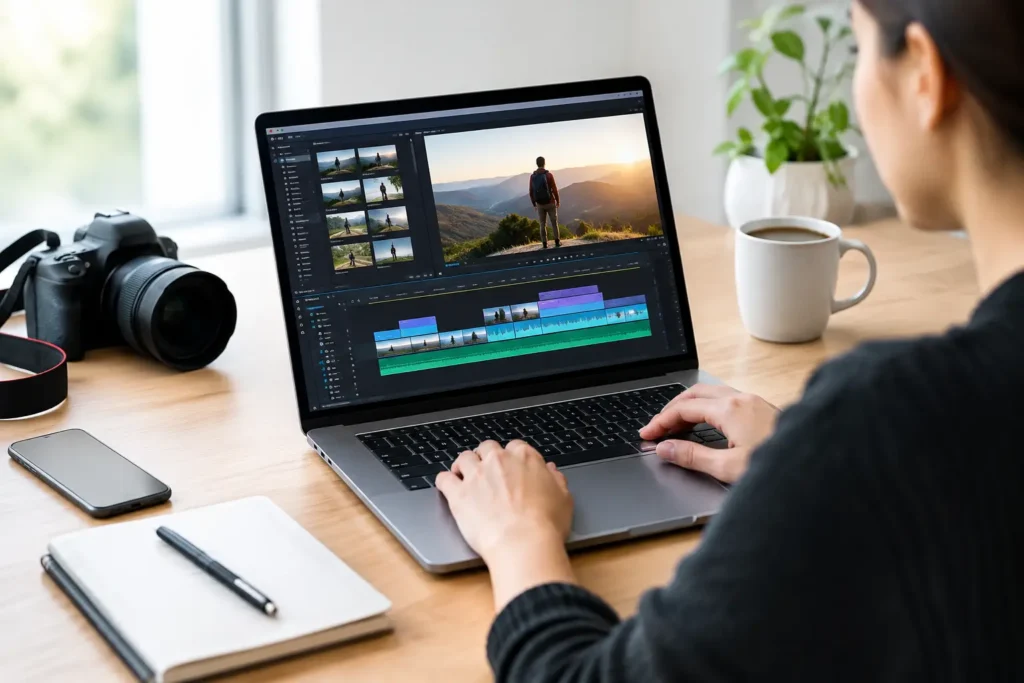
A customer can forgive a phone-shot video. They are less likely to forgive confusing audio, awkward cuts, or a message that takes too long to get to the point. That is why video editing software reviews should focus on more than flashy effects. For a small business, the right tool is the one that helps your team publish clear, credible content consistently without taking over the workweek.
The best choice depends on what you create, who edits it, where videos will appear, and how much control you need. A podcast creator may need fast captioning and multicamera support. An Oklahoma City contractor may need quick before-and-after clips for social media. An eCommerce business may need polished product videos that match its website and brand. Those are different jobs, and they call for different editing workflows.
What Video Editing Software Reviews Should Actually Measure
A useful review begins with the real work behind the video, not a long checklist of features. Small teams should assess whether a platform makes routine tasks faster: trimming dead space, cleaning up audio, adding a logo, resizing for vertical video, creating captions, and exporting a file that looks good on the channel where customers will watch it.
Ease of use matters, but it is not the only factor. A simple editor can become frustrating if it cannot handle longer videos, multiple camera angles, or basic color correction. On the other hand, a professional-grade editor can be too demanding when the person creating content also runs payroll, answers customers, and manages daily operations.
When comparing options, look at five practical areas: learning curve, editing depth, audio and caption tools, team workflow, and total cost. Total cost includes more than a subscription. Consider template add-ons, cloud storage, stock media, computer upgrades, and the time your team needs to learn the platform.
Reviews of Top Video Editing Options for Small Businesses
CapCut: Fast Social Content With a Few Guardrails
CapCut is popular for short-form social video because it makes quick edits, text overlays, transitions, and vertical formatting accessible. A business owner can take customer footage, trim it on a phone or desktop, add captions, and produce a Reel, Short, or TikTok without a complicated setup.
Its strength is speed. It is a practical option for behind-the-scenes clips, quick promotions, service highlights, and simple educational posts. The trade-off is that template-driven editing can make every video feel like it came from the same feed. Your team should use branded colors, consistent fonts, and a clear voice so the content still looks like your business.
CapCut is also less ideal when video is becoming a central marketing asset. Longer podcast episodes, detailed product demonstrations, and footage needing careful sound or color work may require more editing control.
Canva: Best for Simple Branded Marketing Videos
Canva works especially well for businesses that already use it for social graphics, flyers, presentations, or basic brand templates. Its video tools make it easy to combine short clips, photos, text, music, and animated elements into a polished marketing piece.
For a team that needs consistency more than cinematic editing, Canva can be a smart fit. A marketing assistant can use approved templates to produce sale announcements, event promotions, testimonial graphics, and short explainer videos that stay on brand.
The limitation is precision. Canva is not built for complicated timelines, detailed audio mixing, or advanced footage correction. Think of it as a content production tool first and a full video-editing workstation second. It performs best when the source footage is already clean and the message is straightforward.
Descript: A Strong Choice for Podcasts and Talking-Head Content
Descript approaches editing through a transcript. Instead of scrubbing through a timeline for every verbal mistake, you can edit spoken content by editing text. Remove a sentence from the transcript, and the matching video or audio section is removed as well.
That can save meaningful time for podcast creators, consultants, coaches, and businesses that record interviews or educational videos. It also supports captions, screen recording, and repurposing longer conversations into shorter clips. For teams producing regular thought-leadership content, that workflow can reduce the friction between recording and publishing.
Still, transcript-based editing does not replace a traditional editor for every project. It is less suited to highly visual work where timing, color, product close-ups, and layered motion graphics carry the message. Clean recording practices also matter. Poor audio will make any editing platform work harder.
Adobe Premiere Pro: Deep Control for Growing Content Programs
Adobe Premiere Pro is a professional editing platform with the depth to support serious marketing production. It gives editors detailed control over timelines, audio, color, graphics, and formats. If your company is producing YouTube content, customer stories, high-quality ads, training videos, or recurring podcast video, it can support that growth.
The trade-off is a steeper learning curve. Premiere Pro rewards dedicated practice and a capable computer. It is often a better fit for an in-house marketing specialist, a trained freelancer, or an agency partner than for a business owner editing a first social post between appointments.
For the right team, the advantage is flexibility. You are less likely to outgrow it as your production standards rise. But paying for power your team will not use is not a strategy. Start with the content plan, then decide whether this level of control is necessary.
DaVinci Resolve: Professional Quality With a Technical Learning Curve
DaVinci Resolve is widely respected for color correction and professional post-production tools. Its free version can be remarkably capable, which makes it attractive to businesses with budget awareness and someone willing to learn a more advanced system.
It is particularly worth considering for visually important work: real estate tours, product showcases, brand videos, or footage where color and lighting need careful attention. It also includes strong audio and editing capabilities in one platform.
However, the word “free” should not be mistaken for effortless. Resolve can be demanding on hardware and requires more technical confidence than browser-based tools. If your business needs frequent, fast social posts, the time investment may outweigh the savings. If you have a skilled editor or plan to build a more professional video process, it can offer exceptional value.
Final Cut Pro: A Smart Fit for Apple-Based Teams
For businesses already working on Macs, Final Cut Pro is a strong middle ground between easy-to-use tools and full professional software. It is known for quick performance and an editing approach that many users find efficient after the initial learning period.
It is a sensible option for creators producing regular YouTube videos, podcasts, service explainers, and client stories from an Apple-centered workflow. The main limitation is simple: it is only available on Apple devices. Collaboration can also be harder when outside partners use different systems.
How to Choose Without Overbuying
Before subscribing to anything, define one repeatable video project. For example, create a 60-second customer testimonial, a 30-second service promotion, or a five-minute podcast clip. Then test whether the software lets your team complete that project without unnecessary workarounds.
Pay attention to the steps that happen after editing, too. Can you create captions quickly? Can you export a vertical version for social media and a horizontal version for your website? Can another person open the project if the original editor is unavailable? Those details determine whether video becomes a dependable part of your marketing operation or an occasional unfinished idea.
A useful starting point is to match the tool to the job. Canva or CapCut may be enough for lightweight social content. Descript can make recurring spoken content far more manageable. Premiere Pro, DaVinci Resolve, and Final Cut Pro make more sense when production quality, visual control, or long-form editing is central to your strategy.
Build a Workflow, Not Just a Video Library
The software is only one part of the result. Create a simple approval process, keep logos and brand assets organized, and decide where finished videos will live before you start recording. A clear call to action should be planned during scripting, not added as an afterthought when the video is already exported.
Your best platform may not be the one with the most tools. It is the one your team can use with confidence to tell customers what you do, why it matters, and what they should do next. Start with one achievable format, improve it each month, and let your video process grow alongside your business.