
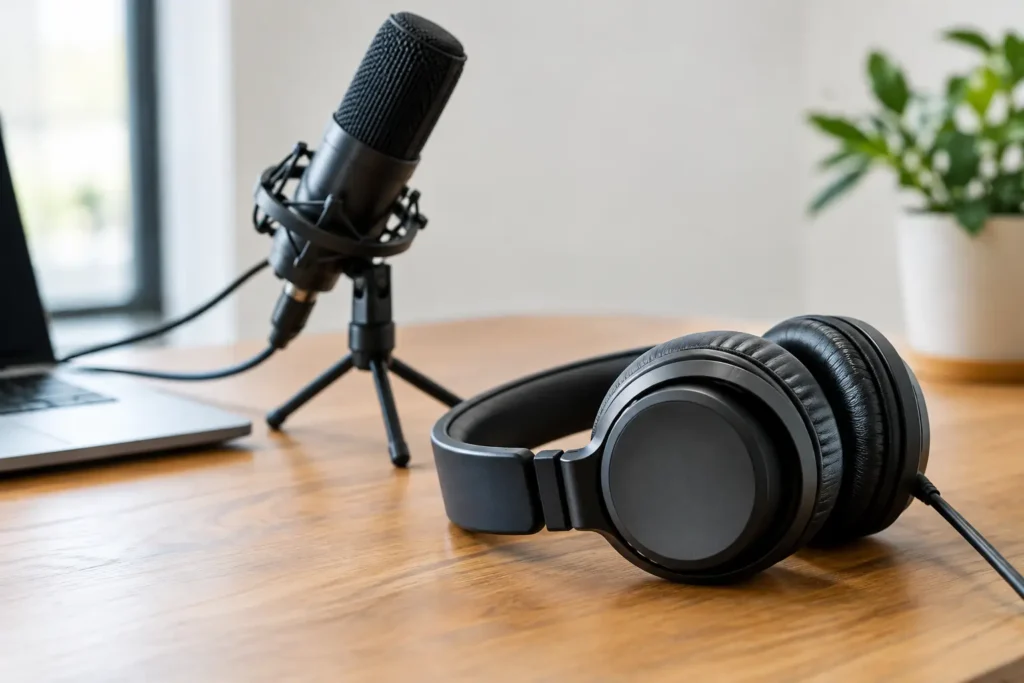
A listener may forgive a casual conversation or a guest who needs a little coaching. They are far less forgiving of distracting echo, uneven volume, background noise, or an edit that cuts off the beginning of a sentence. The right podcast headphones give your team a clearer view of what the microphone is actually capturing, so you can make better decisions before and after you hit record.
For small-business owners and growing podcast creators, this is not about buying the most expensive gear in the room. It is about choosing equipment that supports reliable production, protects your time, and helps your show sound as credible as the expertise behind it.
Why Podcast Headphones Matter More Than You Think
Many new podcasters rely on the speakers built into a laptop, a pair of everyday wireless earbuds, or headphones designed mainly for music and travel. Those can be fine for casual listening, but they can hide problems that become obvious once an episode reaches your audience.
Headphones help you hear details that speakers often blur together: a guest sitting too far from the mic, air conditioning in the background, a cable creating intermittent static, or a host speaking much louder than everyone else. Catching those issues during recording is easier than trying to repair them later.
They also matter during editing. A polished episode depends on small choices, such as whether a pause feels natural, whether a transition is too abrupt, or whether music competes with the voice. If your playback equipment makes everything sound artificially bass-heavy or overly bright, you may make edits that do not translate well to listeners using cars, phones, computers, and smart speakers.
Closed-Back vs. Open-Back Podcast Headphones
The first decision is usually whether you need closed-back or open-back headphones. Neither option is automatically better. The right choice depends on when and where your team records.
Closed-back headphones are the practical recording choice
Closed-back models have solid outer ear cups that reduce the amount of outside sound you hear and limit how much headphone audio leaks into your microphone. For most business podcasts, this is the most practical starting point.
If you record interviews in an office, a shared workspace, a conference room, or a home studio with occasional noise, closed-back headphones can help you focus on the conversation. They are especially useful when a guest is seated close to a microphone, because less playback escapes into the recording.
The trade-off is that closed-back designs can feel warmer after a long session and may create a more enclosed listening experience. Comfort matters here. A set that sounds good but causes fatigue after 30 minutes will not serve your production process well.
Open-back headphones can help during editing
Open-back headphones allow more air and sound to move through the ear cups. Many editors like their natural, spacious sound, which can make it easier to judge dialogue, music, and balance over extended editing sessions.
Their weakness is sound leakage. Audio can escape from the headphones and be picked up by a microphone, while outside noises remain more noticeable to the wearer. That makes open-back models a poor fit for most live recording situations, especially when multiple people are in the room.
Some established shows use one closed-back set for recording and a separate open-back set for editing. That is helpful, but it is not necessary when you are building a practical podcast setup. A comfortable, accurate closed-back pair is often the best first investment.
What to Look for When Choosing Podcast Headphones
A recognizable brand name does not guarantee the best fit for your show. Focus on the features that match your workflow and recording environment.
Wired connectivity is usually the safer option for recording. Bluetooth introduces latency, which is the slight delay between what happens and what you hear. That delay can make a conversation feel unnatural and can complicate monitoring. Wired headphones are also simpler to connect to a mixer, audio interface, recorder, or computer.
Comfort for longer sessions deserves more attention than many creators give it. Look at ear-pad material, headband padding, clamping pressure, and the ability to replace worn pads. A 15-minute product demo may not reveal what a 90-minute guest interview feels like.
A balanced sound profile helps you make cleaner editing decisions. You do not need headphones that make music feel dramatic. You need a pair that lets voices sound clear without exaggerated bass or sharp treble hiding flaws in the recording.
Cable length and connector options affect the room setup. A short cable may work at a desk but become frustrating when a guest sits several feet from the recording interface. Detachable cables are useful because they are easier to replace if they get damaged. Also check whether the headphones use a standard 3.5 mm plug, a 1/4-inch adapter, or another connection your equipment requires.
Impedance sounds technical, but it is worth a quick check. Higher-impedance headphones may need more power than a phone, laptop, or basic interface can provide. If your sound is too quiet even with volume turned up, the headphones and audio source may not be a good match. For a straightforward small-business setup, choose headphones that your current recording equipment can drive comfortably.
Match the Headphones to Your Podcast Workflow
Your recording method should shape the purchase. A solo business owner recording short educational episodes has different needs than a team hosting in-person panels or recording video interviews for social media clips.
For a solo show, prioritize comfort, clear voice reproduction, and a simple wired connection to your laptop or interface. You may not need multiple pairs, but you do need a reliable way to monitor your own audio occasionally. Listening live helps you notice a microphone problem before recording an entire episode with poor sound.
For in-person interviews, plan for one pair per participant. If everyone needs to hear a remote guest, intro music, or a live mix, your setup may also need a headphone amplifier or interface with multiple headphone outputs. Avoid assuming that a simple splitter will provide the same volume and control for every person.
For remote interviews, headphones are even more valuable. Each participant should wear them to prevent the other person’s voice from feeding back through speakers and into the microphone. This one habit can improve audio quality immediately, even before you upgrade microphones or editing software.
For video podcasts, appearance can factor into the decision, but sound should still lead. A sleek-looking pair may work well on camera, yet it should not come at the expense of comfort, monitoring accuracy, or a cable that constantly gets in the way. Your audience will remember clear conversation more than the headphones in the frame.
Avoid These Common Buying Mistakes
The cheapest headphones are not always a bad purchase, especially when you need several pairs for guests. The problem comes when low cost also means poor durability, uncomfortable ear cups, weak cables, or inconsistent sound. Replacing equipment repeatedly can cost more than choosing a dependable midrange option from the start.
Another common mistake is buying noise-canceling consumer headphones specifically for recording. Active noise cancellation can be excellent for travel, but it may alter your perception of the room and is not necessary for most studio monitoring. Passive isolation from a good closed-back design is usually enough.
It is also easy to overbuy. A premium pair of headphones cannot compensate for poor mic placement, untreated room reflections, or an unprepared guest. Put your budget into the full production system: clear microphones, sensible recording settings, a quiet space, a repeatable editing process, and headphones that let you evaluate the results honestly.
Before purchasing, test the headphones with spoken-word content if you can. Listen to a familiar podcast, not only a music track. Pay attention to whether dialogue sounds natural, whether mouth noises and room sounds are easy to detect, and whether you could wear the pair through a full recording session without distraction.
Make Better Audio Part of Your Content Strategy
Podcast quality is a business decision, not just a technical preference. Clear audio helps listeners trust your message, stay engaged through a full episode, and return for the next one. It also gives your team stronger material for video clips, social posts, email content, and searchable website pages.
You do not need a complicated studio to start improving. Choose podcast headphones that fit your workflow, use them consistently during recording and editing, and create a simple quality check before every episode. When your equipment supports your message instead of distracting from it, your team can spend more energy sharing the expertise that moves your business forward.