OpusClip: 7 Powerful AI Video Editing Features | YoushTech
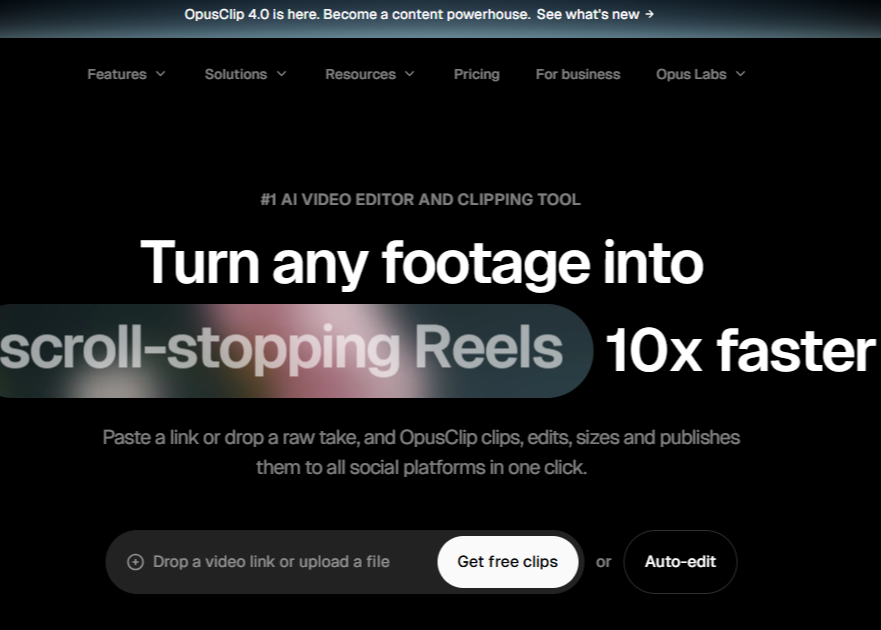
Turn Long Videos and Podcasts Into Short Clips With OpusClip
Creating short-form videos from long recordings can take hours of editing, especially when you’re producing regular podcast episodes, interviews, or other video content. OpusClip is an AI-powered video editing and clipping tool that helps creators and businesses turn longer recordings into shorter videos suitable for social media.
With features such as AI video clipping, automatic captions, video reframing, and editing tools, OpusClip helps simplify the process of repurposing existing video content. Instead of starting every short-form video from scratch, creators can use AI-generated clips as a starting point, review the results, and customize their content before publishing.
At YoushTech, we use OpusClip as part of our content production workflow for our podcast clients. Our experience working with podcast recordings and short-form video content gives us firsthand familiarity with how AI video tools can support Podcast Services, content repurposing, and social media marketing.
Whether you’re a podcaster, content creator, or business looking to get more value from existing videos, OpusClip is a software option worth exploring.
What Is OpusClip and How Does It Work?
OpusClip is an AI-powered video editing and content repurposing platform that helps businesses, podcasters, and content creators transform longer recordings into engaging short-form videos. Instead of manually reviewing hours of footage to find interesting moments, OpusClip uses artificial intelligence to analyze video content, identify potential highlights, and generate shorter clips for social media.
The software uses AI technology to identify conversations, important moments, and interesting segments within uploaded videos. It can automatically generate captions, reframe videos for vertical viewing, and organize clips for platforms such as YouTube Shorts, Instagram Reels, TikTok, and Facebook. Users can review the generated clips, make adjustments, and customize the finished videos before publishing.
For businesses and podcasters that regularly produce video content, OpusClip provides a practical way to make better use of existing recordings. A single podcast episode, interview, webinar, or educational video can become multiple shorter pieces of content, giving creators additional opportunities to reach audiences across social media platforms.
At YoushTech, we use OpusClip in our work with Here’s the Deal Podcast with Max Baker Jr., helping turn podcast recordings into shorter video clips for social media. Our experience with the platform complements our Podcast Services and Content Creation Services, allowing us to support clients with video editing and content repurposing
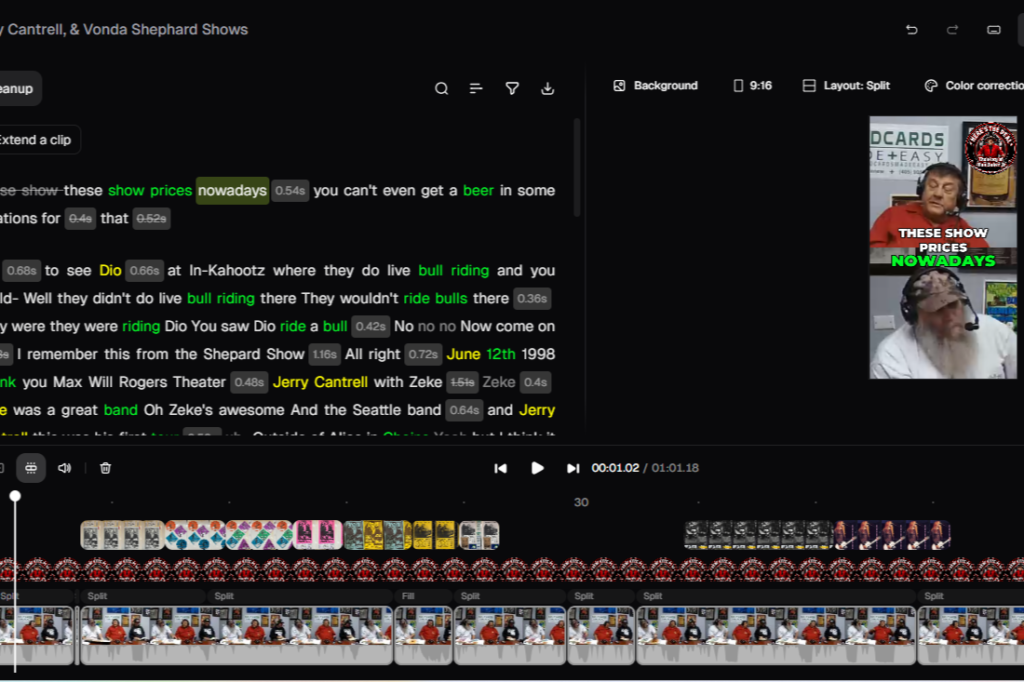
How OpusClip Turns Long Videos Into Short Clips
The video clipping process follows four main steps:
- Upload Your Video: Import an existing video recording or provide a supported video link.
- Let AI Identify Highlights: OpusClip analyzes the recording and creates short clips from selected moments.
- Review and Customize: Adjust captions, trim content, modify layouts, and review accuracy.
- Export and Share: Download completed clips or use available publishing options to distribute them across social platforms.
Although OpusClip can automate much of the initial editing process, reviewing the results is still important. Captions, selected moments, and transitions may require adjustments before a clip is ready for publication.
7 Powerful OpusClip Features for Video Content Creation
Creating professional video content doesn’t always require hours of manual editing. OpusClip combines artificial intelligence with practical video editing tools to help businesses, podcasters, and content creators transform existing recordings into short-form videos for social media.
From automatically identifying interesting moments to adding captions, adjusting video layouts, and preparing content for publishing, OpusClip offers tools that simplify different stages of video production. These features can be especially helpful for creators who regularly produce podcasts, interviews, educational videos, and other long-form recordings.
1. AI Video Clipping
Automatically identify highlights from long recordings.
2. AI Virality Score
Evaluate and prioritize potential video clips.
3. Automatic Captions
Generate and customize captions for short videos.
4. AI Video Reframing
Adjust video layouts for different social platforms.
5. Text-Based Editing
Refine video clips and clean up spoken content.
6. AI B-Roll
AI B-Roll Add relevant visuals and supporting footage.
7. Social Media Scheduling
Organize and publish content across supported platforms.